The Short Answer: Timelines by Deliverable
Timelines depend on scope, but some patterns hold across the industry.
|
Deliverable
|
Typical timeline
|
Source
|
|
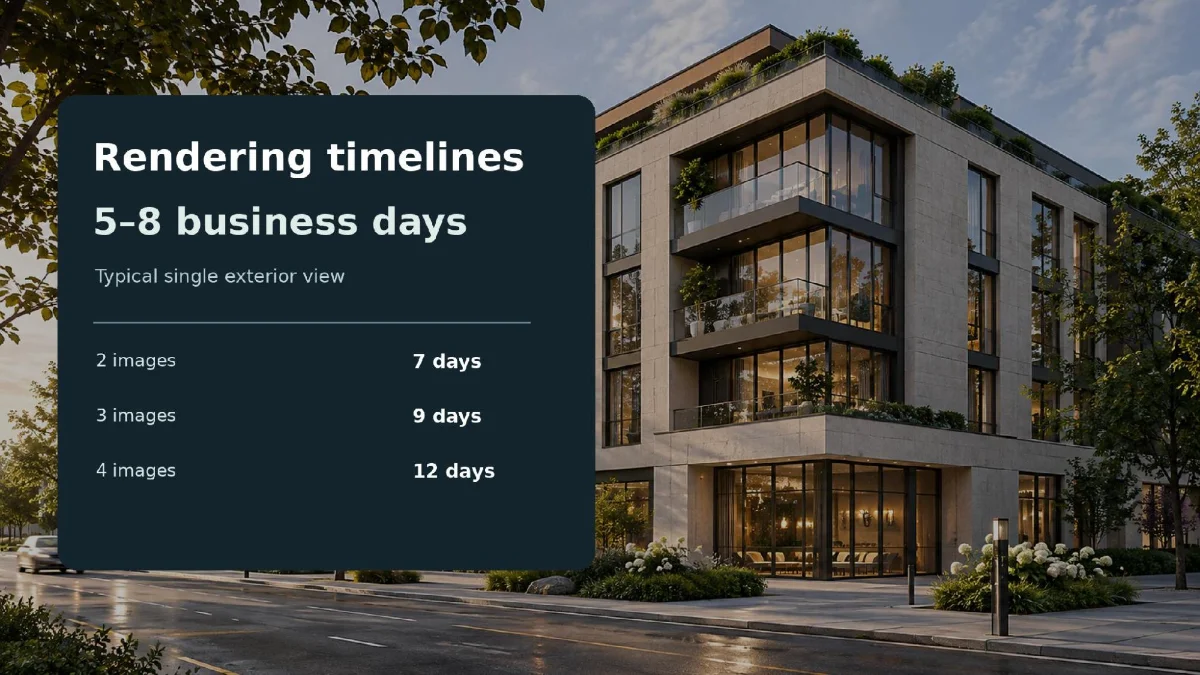
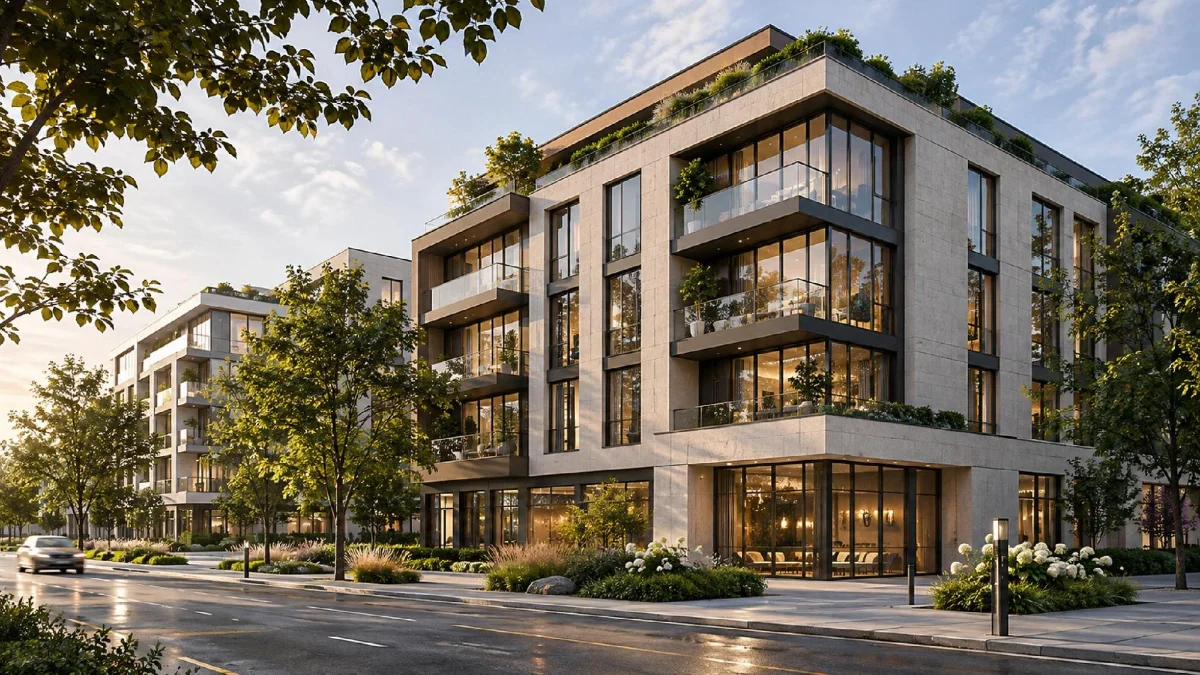
One exterior rendering
|
About 5–8 business days
|
Ravelin3D homepage FAQ
|
|
2-image order
|
Median 7 days (range 5–12)
|
23 Ravelin3D portfolio projects
|
|
3-image order
|
Median 9 days (range 6–12)
|
25 Ravelin3D portfolio projects
|
|
4-image order
|
Median 12 days (range 7–14)
|
22 Ravelin3D portfolio projects
|
|
Interior rendering
|
2–5 business days per view
|
Industry example: pyctom.ca
|
|
Aerial view
|
4–8 business days
|
Industry example: pyctom.ca
|
|
3D floor plan
|
1–3 business days
|
Industry example: pyctom.ca
|
|
Walkthrough animation
|
2–6 weeks
|
Industry example: pyctom.ca
|
The industry examples come from a published timeline guide by another studio, Pyctom . They are useful for orientation, but every project is scheduled individually once the files are reviewed.
What 96 Ravelin3D Projects Say About Turnaround
Generic timeline tables are easy to find. We wanted to show real ones. Each project page in the Ravelin3D portfolio lists the number of images ordered and the time frame of the job. We collected that field from all 96 pages that state both.
|
Images in the order
|
Projects
|
Median time frame
|
Range
|
|
1
|
6
|
5 days
|
3–6
|
|
2
|
23
|
7 days
|
5–12
|
|
3
|
25
|
9 days
|
6–12
|
|
4
|
22
|
12 days
|
7–14
|
|
5–7
|
14
|
14 days
|
7–18
|
|
8–12
|
6
|
13 days
|
10–19
|
Methodology. Figures are as listed on the project pages. Most pages state the time frame in business days; a few state it simply in "days," and we have kept those numbers as they appear. The data describes completed jobs of very different complexity, from a single coffee-shop exterior to a 12-image apartment package in Hartford, Connecticut.
Three things stand out:
- Time grows with views, but not linearly. Going from two images to four adds about five days, not a full second schedule, because the model and materials are shared.
- Large sets level off. Orders of 8–12 images had a median of 13 days, similar to 5–7 images. A ten-image hotel package such as the Aquamarine Hotel in Miami took 19 business days, while the 12-image Hartford apartment package took 14 business days.
- Ranges are wide. Two four-image projects can differ by a week. Scope, file quality and feedback speed explain most of the gap, which is the subject of the next sections.

Render Time vs Project Time: Two Different Clocks
Search for "how long does rendering take" and you will find two different answers, because the question has two meanings.
Render time is how long a computer needs to calculate one image or one frame. Depending on resolution, lighting and hardware, that can be minutes or hours per frame. Studios use powerful GPUs, CPUs and render farms to keep it under control. For a still, machine time is rarely the bottleneck.
Project time is everything from the first brief to the delivered file: modeling, materials, lighting, client review, revisions and the final high-resolution render. This is what developers and architects actually plan around, and it is measured in business days, not hours. When a client asks how long a rendering takes, project time is the useful answer.
Where the Days Go, Step by Step
Ravelin3D's rendering pipeline has six stages. Each has its own decision point, and knowing them helps you predict your schedule.
- Brief. The project, location, deadline and what the images must achieve. A clear brief can be settled in a day.
- Files. Floor plans, elevations, site plan, sections and roof plan, finish references and, ideally, a Revit, SketchUp or Rhino model. Missing files are the most common reason a schedule slips before it starts.
- Camera angles. You mark the views on the plan or set them in your model.
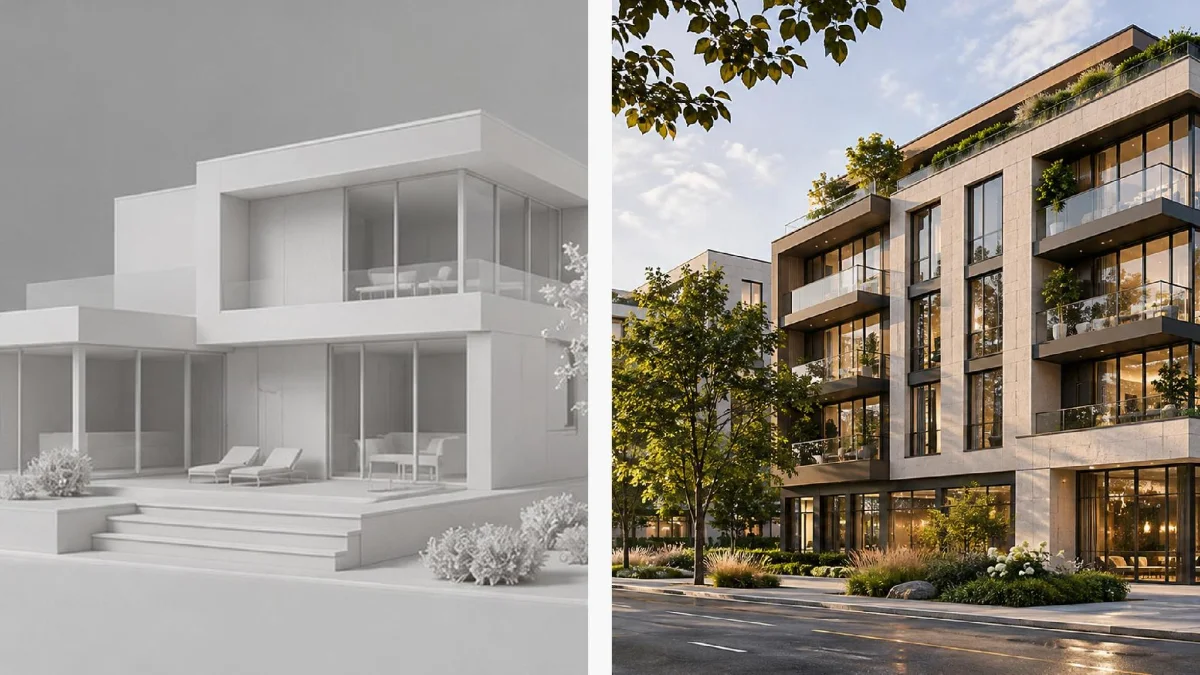
- White clay model. The studio builds or adapts the 3D model and renders it untextured to confirm geometry and angles. This is where design questions surface, and where answering them quickly saves the most time.
- Preview. Materials, lighting and atmosphere are added, and you comment. Ravelin3D builds several rounds of comments into this stage; our pipeline page describes three to four.
- Final artwork. The approved image is rendered at about 5,000 pixels wide and finished in post-production.
On a typical exterior, the first two stages are mostly in the client's hands, the middle stages in the studio's, and the review rounds in both. A studio can only move as fast as its decisions arrive.
What Makes a Rendering Project Take Longer
- Incomplete or outdated files. Rendering from superseded drawings means rebuilding later.
- Undecided finishes. If the facade material is still under discussion, the preview stage becomes a design workshop.
- Many distinct environments. A lobby, a rooftop and three unit types are five scenes, not one.
- Slow or fragmented feedback. Comments that arrive from several stakeholders on different days stretch every round.
- Geometry changes after the clay stage. Moving windows once materials and lighting are set means redoing work that was already approved.
- Complex context. Dense urban sites, detailed landscaping or a real site photo to match all add modeling and setup time.
Our list of the most common mistakes developers make when ordering 3D renderings covers several of these in more detail.
How Many Revision Rounds Should You Plan For?
Plan for the rounds built into the quote, and plan to use them in order. Comments on geometry belong at the white clay stage; comments on materials and light belong at the preview stage. Mixing them, for example asking for a new window layout during color correction, is what turns one round into three.
A useful habit is to consolidate feedback. One marked-up PDF from one decision-maker per round is far faster than separate emails from the architect, the developer and the marketing team. Before you sign with any studio, ask how many rounds are included and what counts as a change in scope; our checklist before hiring a 3D rendering studio includes these questions.
Can a Rendering Be Done in 24–48 Hours?
Rarely, and only in narrow cases: a minor edit to an existing image, a new lighting variation of an approved scene, or a small change to a model the studio already has. A new photorealistic rendering from drawings involves modeling, review and final rendering, and compressing that into two days usually means skipping the review stages that protect accuracy.
Ravelin3D's FAQ notes that rush delivery may be available for urgent presentations or approvals. The realistic way to get there is to agree on the deadline at the briefing stage, send complete files and keep feedback fast.
Planning Backwards From Your Deadline
Most rendering deadlines are tied to something else: a sales launch, a broker event, an investor meeting or a planning hearing. Work backwards from that date.
- Presales or launch. Allow time not just for the images but for the brochure, website and signage that use them. Images often need to be final a couple of weeks before the launch itself.
- Investor presentation. A small set of strong views, such as one aerial and two exteriors, can usually be produced inside the typical ranges above, if the files are ready.
- Planning or zoning hearing. Submission deadlines often come well before the hearing date, and boards need images that match the drawings exactly. Our article on why planning boards still reject AI-only visuals explains what to submit.
- Animation. Treat it as a separate schedule. Films involve storyboards, many more frames and post-production; see 3D walkthrough and animation services .
How Long Does Rendering a House Take?
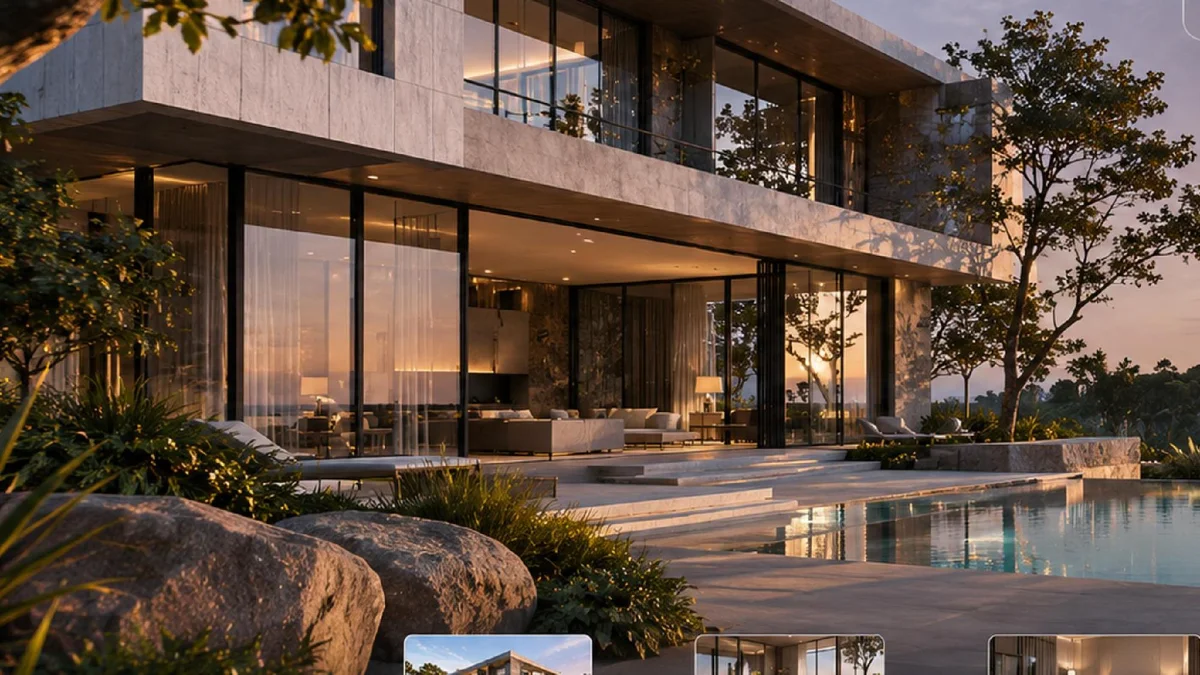
A single-family house is one of the most predictable jobs in visualization: one building, a clear site and a short list of views. Across our portfolio, orders of two to four images took between five and fourteen days, with medians of 7 to 12, and a typical house package falls in that band. Projects such as the Laird Backus residence , a four-image order, took 12 business days. Custom homes with complex landscaping, several exterior lighting variations or a full interior set sit at the upper end.
If the schedule is tight, say so at the start. A studio can plan resources around a known deadline far better than around a surprise.
FAQ
How long do renderings take?
A single exterior rendering typically takes about five to eight business days from a complete brief at Ravelin3D. In our portfolio, two-image orders had a median of 7 days, three images 9 and four images 12. Larger packages and animation take longer.
Why does rendering take so long?
Because the job is more than machine time. A photorealistic image needs an accurate 3D model, materials, lighting, camera setup, client review and a final high-resolution render. Most of the calendar is spent on modeling and on review rounds, not on the computer calculating the image.
How many revision rounds are normal for architectural rendering?
Most professional studios include a set number of rounds in the quote, usually split between the clay model and the preview stage. Ravelin3D's pipeline describes three to four rounds of comments. Consolidated feedback from one decision-maker keeps each round short.
What is a final rendering?
A final rendering is the approved, full-resolution image delivered after all review rounds. At Ravelin3D, final artwork is rendered at about 5,000 pixels wide, suitable for print and digital use, and finished in post-production.
How difficult is 3D rendering?
Producing a basic image is accessible with modern software. Producing a photorealistic architectural rendering that is accurate to the drawings takes specialist skills in modeling, lighting, materials and photography-style composition, which is why most developers and architects work with dedicated studios.
How much should a 3D rendering cost?
It depends on the number of views, modeling required, detail and deadline. Ravelin3D quotes after reviewing the plans. For market ranges, see our 2026 3D rendering cost guide .



 +1 (646) 693 0048
 main@ravelin3d.com